
Organize and analyze
Keyword Co-occurrence
Find terms that occur together in the selected literature.
Create an accountCreate your account, then complete verification to start using SciMaps.
What you can explore
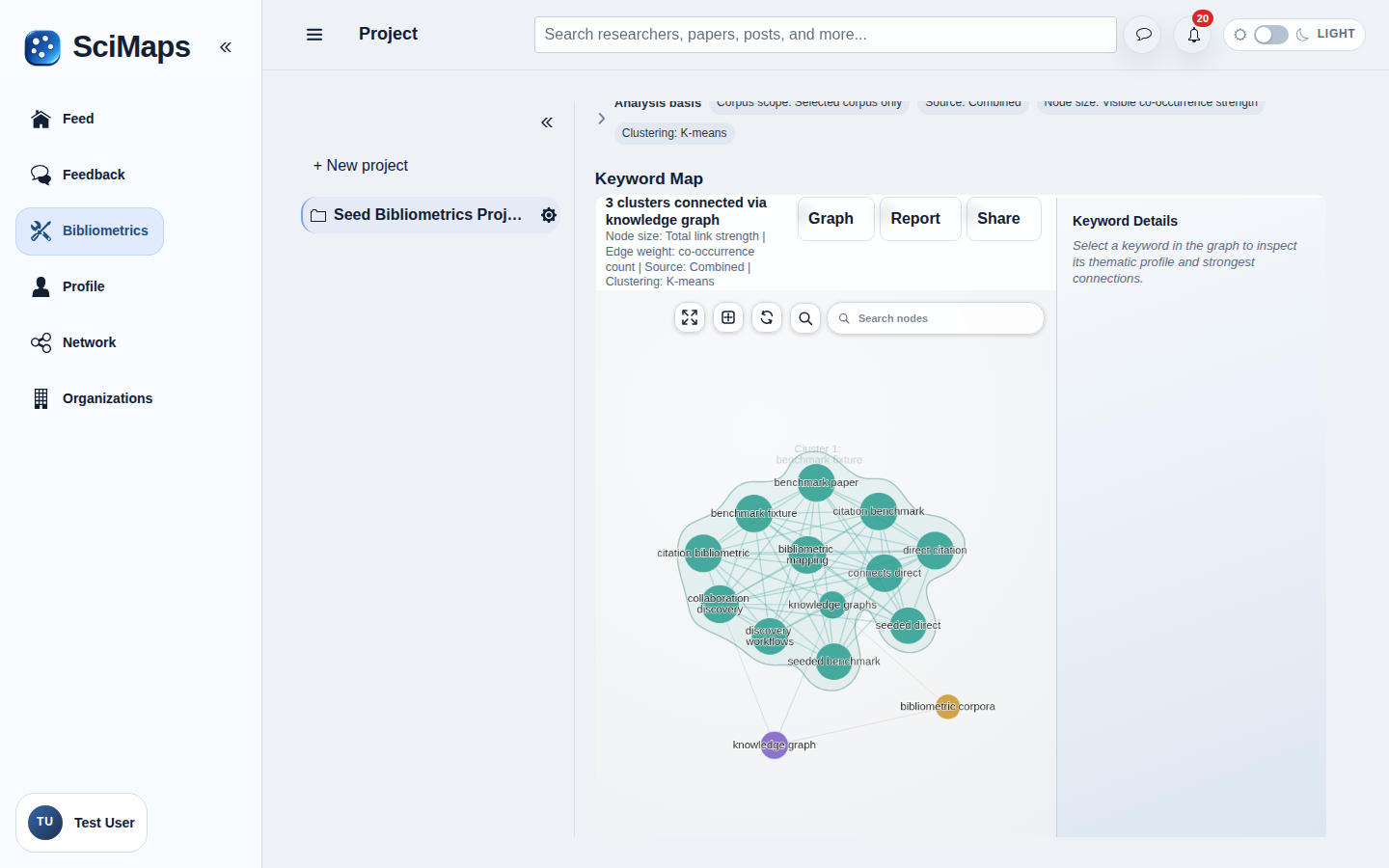
A network of terms connected by their co-occurrence in the analyzed records.
What you need
Selected project sources with usable keyword or term metadata.
How to use it
- Select the source collection.
- Choose Keyword Co-occurrence and review the available settings.
- Inspect terms and clusters with their source context; open AI Insights for optional AI-assisted interpretation.
Illustrative example
Suppose two selected records both contain the terms “climate change” and “adaptation.” In a keyword network, the terms are nodes; an edge connects them because they occur in the same analyzed records. Normalization can merge term variants, and thresholds can hide infrequent terms or links. Co-occurrence does not establish causation or equivalent meaning.
Interpretation and limitations
Term extraction, normalization and thresholds shape the result. Co-occurrence does not imply a causal or semantic equivalence. Results describe the selected sources and available metadata; they do not represent all research in a field.
Related tools
Related guides
Create an accountCreate your account, then complete verification to start using SciMaps. Already have access? Sign in to SciMaps.