
Organize and analyze
AI Insights
Interpret supported bibliometric analyses with AI assistance.
Create an accountCreate your account, then complete verification to start using SciMaps.
What you can explore
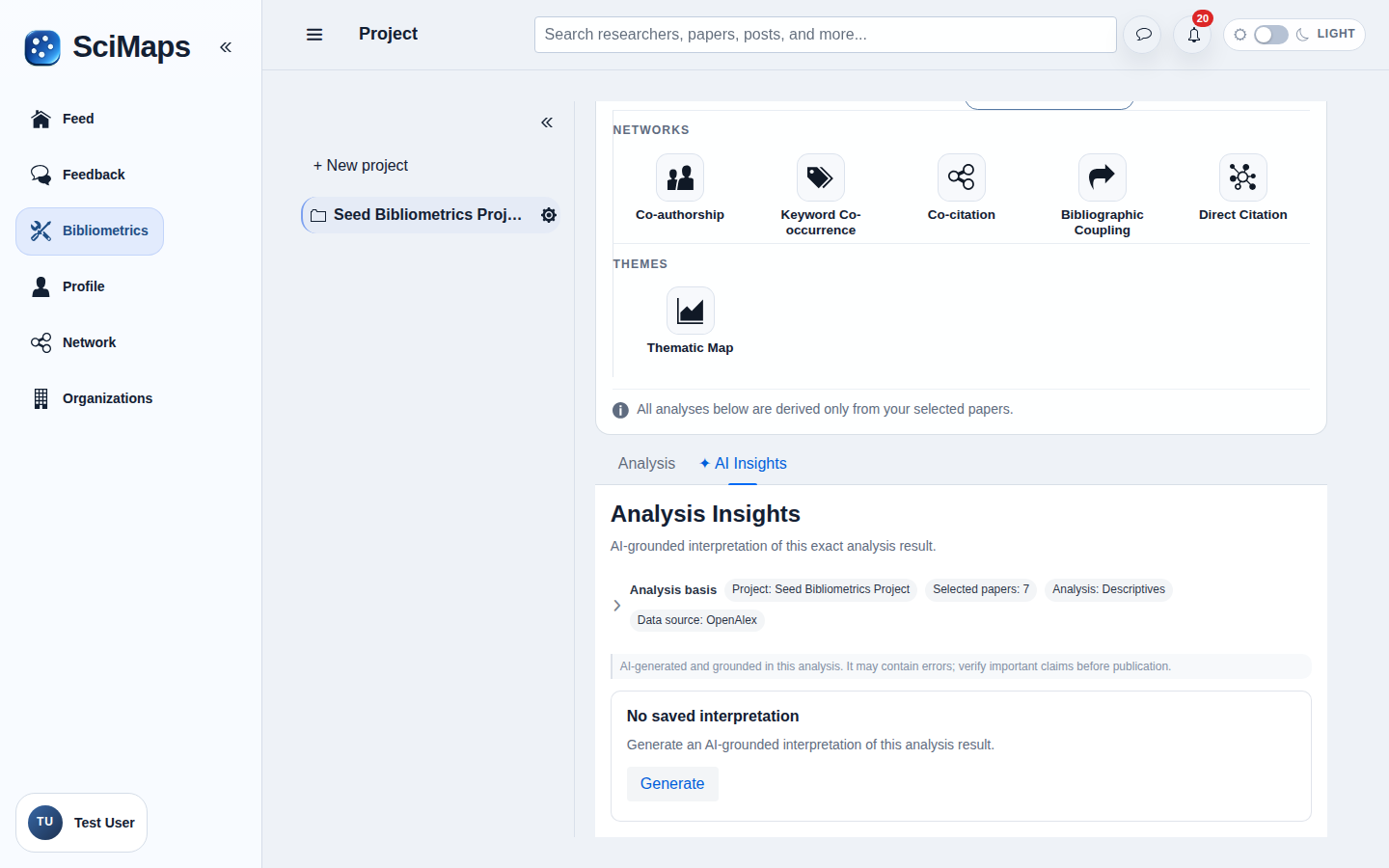
AI-generated synthesis, findings, connections and possible directions for further research, available in the AI Insights tab of supported analyses.
What you need
Selected project sources and an available Descriptives, Co-authorship, Keyword Co-occurrence, Co-citation, Bibliographic Coupling or Direct Citation analysis.
How to use it
- Select project sources and open a supported analysis in Bibliometrics.
- Open its AI Insights tab to request or review the generated interpretation when available.
- Check the synthesis, findings, connections and possible future directions against the underlying evidence.
Interpretation and limitations
Availability depends on configured AI services and the analysis data. Generated interpretations and possible research directions are not verified discoveries; review them against the selected sources, computed results and method limitations. Results describe the selected sources and available metadata; they do not represent all research in a field.
Related tools
Related guides
Create an accountCreate your account, then complete verification to start using SciMaps. Already have access? Sign in to SciMaps.