
Organize and analyze
Descriptives
Understand the composition of your selected literature.
Create an accountCreate your account, then complete verification to start using SciMaps.
What you can explore
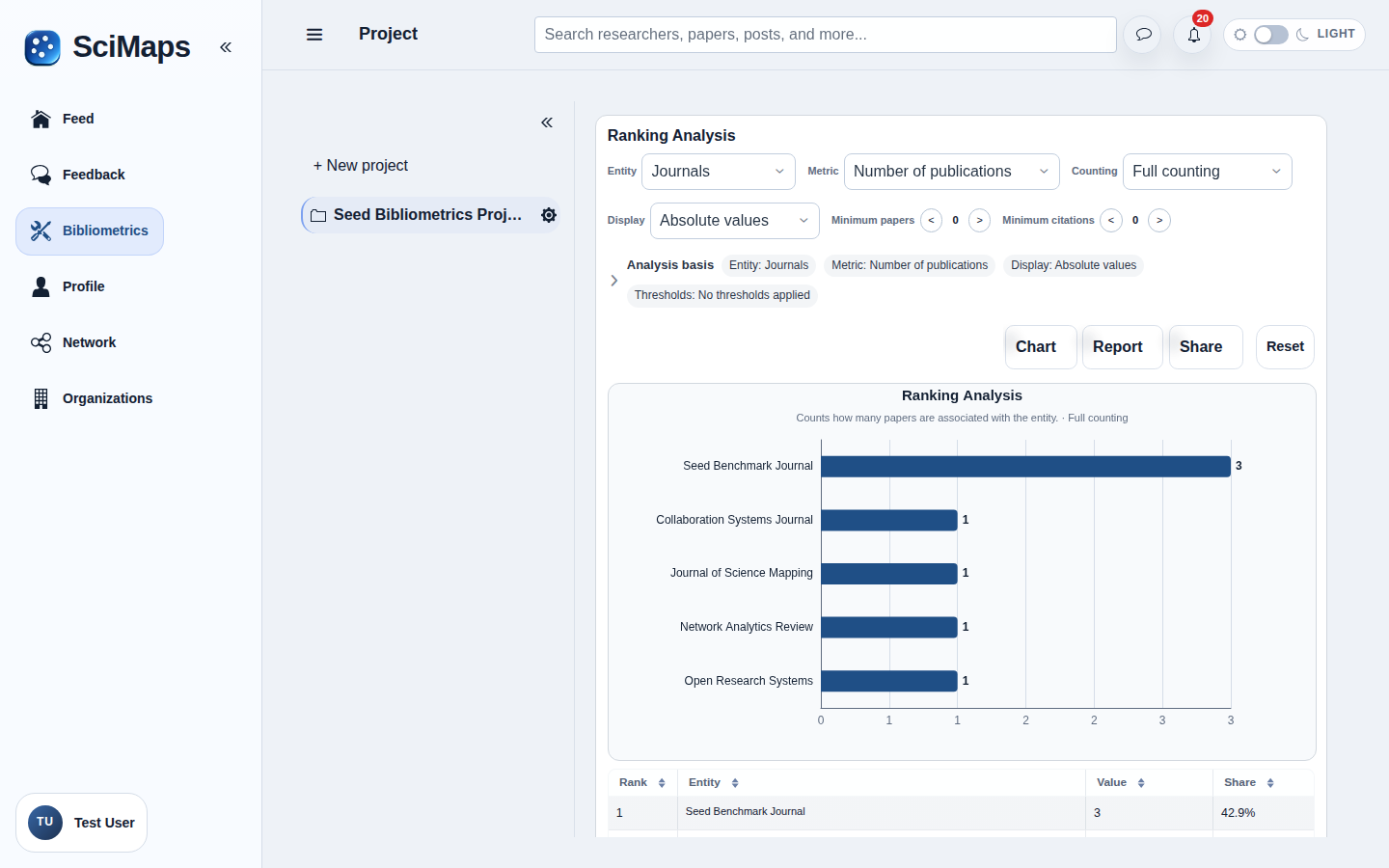
Tables and charts summarizing selected papers, authors, journals, countries and institutions, with publication and citation metrics where supported.
What you need
Selected project sources and their available bibliographic metadata.
How to use it
- Review the selected source set.
- Choose Descriptives in Bibliometrics.
- Read the summaries and method information; open AI Insights for optional AI-assisted interpretation.
Interpretation and limitations
Missing metadata reduces coverage. Descriptive counts do not measure scientific quality or establish causal relationships. Results describe the selected sources and available metadata; they do not represent all research in a field.
Related tools
Related guides
Create an accountCreate your account, then complete verification to start using SciMaps. Already have access? Sign in to SciMaps.