
Organize and analyze
Co-authorship
Explore collaboration relationships through shared authorship.
Create an accountCreate your account, then complete verification to start using SciMaps.
What you can explore
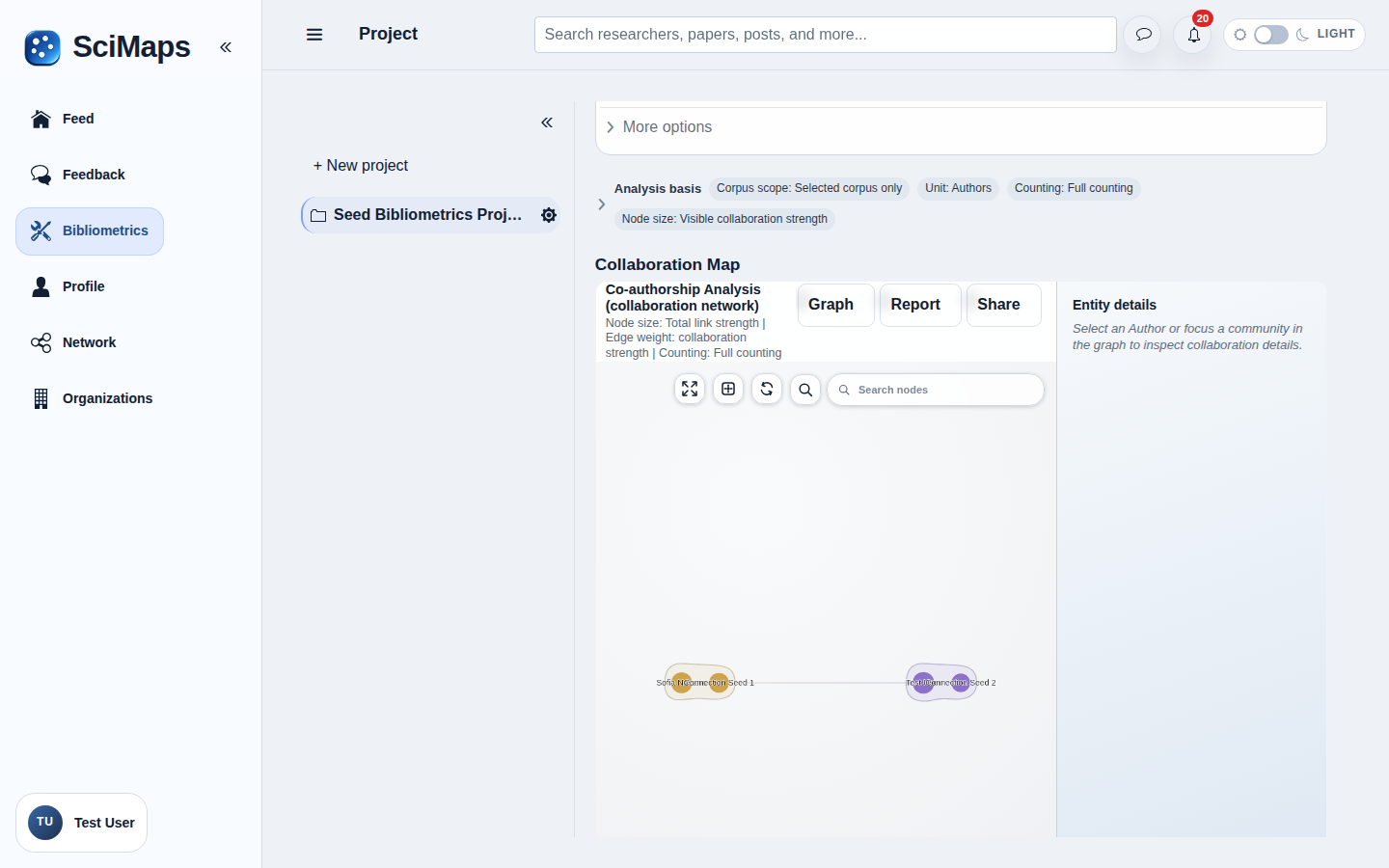
A network connecting authors who appear together on papers in the selected collection.
What you need
Selected project sources with usable author metadata.
How to use it
- Select papers in the project Sources section.
- Choose Co-authorship in Bibliometrics.
- Inspect the network and its settings; open AI Insights for optional AI-assisted interpretation.
Illustrative example
Suppose Paper P lists Authors A and B, while Paper Q lists B and C in your selected collection. In an author network, authors are nodes; links A–B and B–C record shared papers. An absent A–C link does not prove they have never collaborated. Identity matching, missing author metadata and thresholds affect what appears.
Interpretation and limitations
Author-name ambiguity, incomplete records and network thresholds affect the map. Co-authorship does not describe every form of collaboration. Results describe the selected sources and available metadata; they do not represent all research in a field.
Related tools
Related guides
Create an accountCreate your account, then complete verification to start using SciMaps. Already have access? Sign in to SciMaps.