
Organize and analyze
Research reports
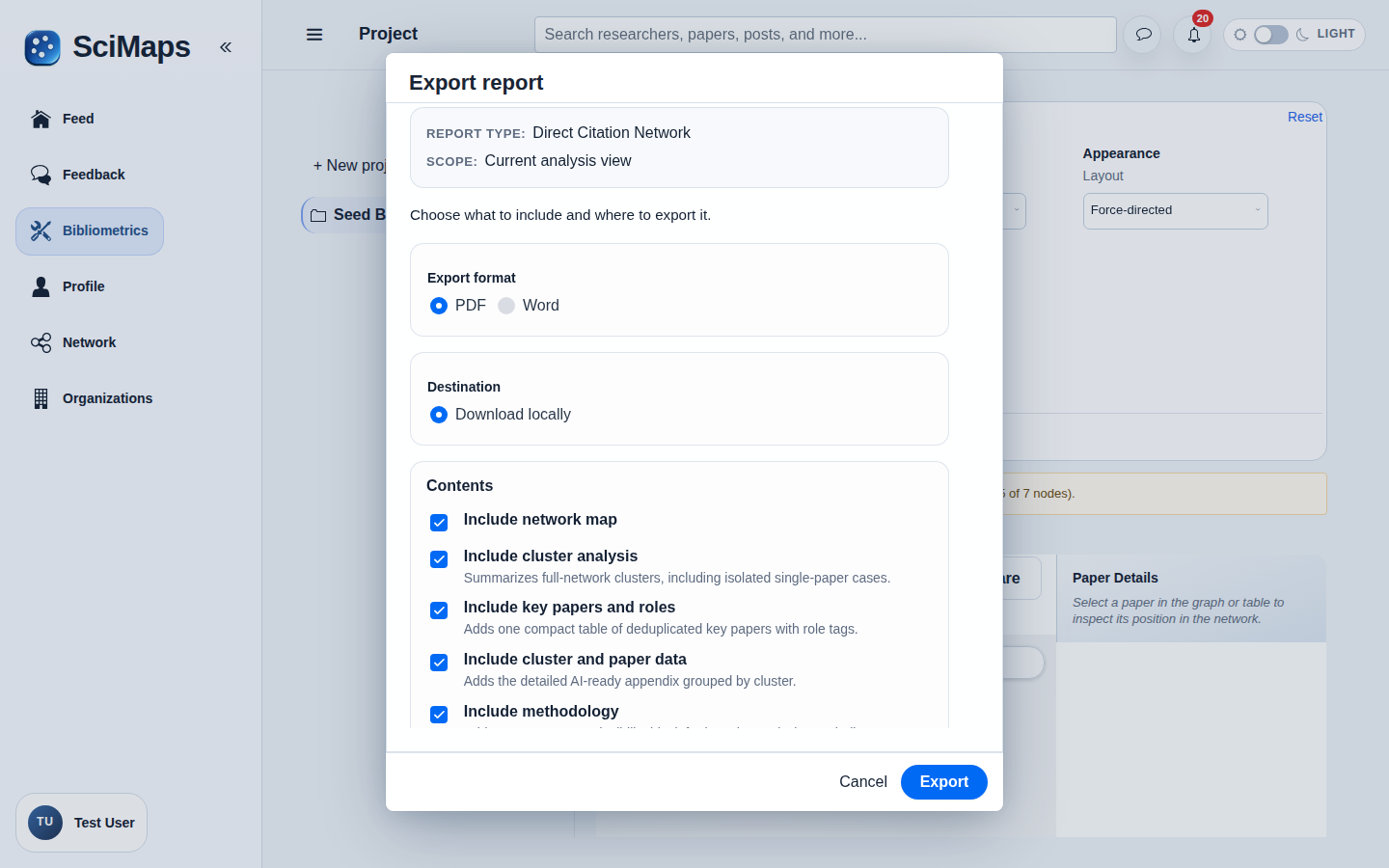
Prepare a downloadable report from an available research analysis.
Create an accountCreate your account, then complete verification to start using SciMaps.
What you can explore
A downloadable PDF or DOCX report from a supported bibliometric analysis, with optional AI-assisted Analysis Insights when available.
What you need
A supported analysis and its report-generation options in the application.
How to use it
- Open a supported analysis and its report options.
- Review the available scope, choose optional Analysis Insights where supported, and request generation.
- Wait for completion, then review and download the delivered report.
Interpretation and limitations
Availability depends on the analysis and configured services. Review AI-assisted narrative against the underlying evidence; generation can fail or require a retry. Results describe the selected sources and available metadata; they do not represent all research in a field.
Related tools
Related guides
Create an accountCreate your account, then complete verification to start using SciMaps. Already have access? Sign in to SciMaps.