
Organize and analyze
Direct Citation
Inspect direct citation relationships among papers.
Create an accountCreate your account, then complete verification to start using SciMaps.
What you can explore
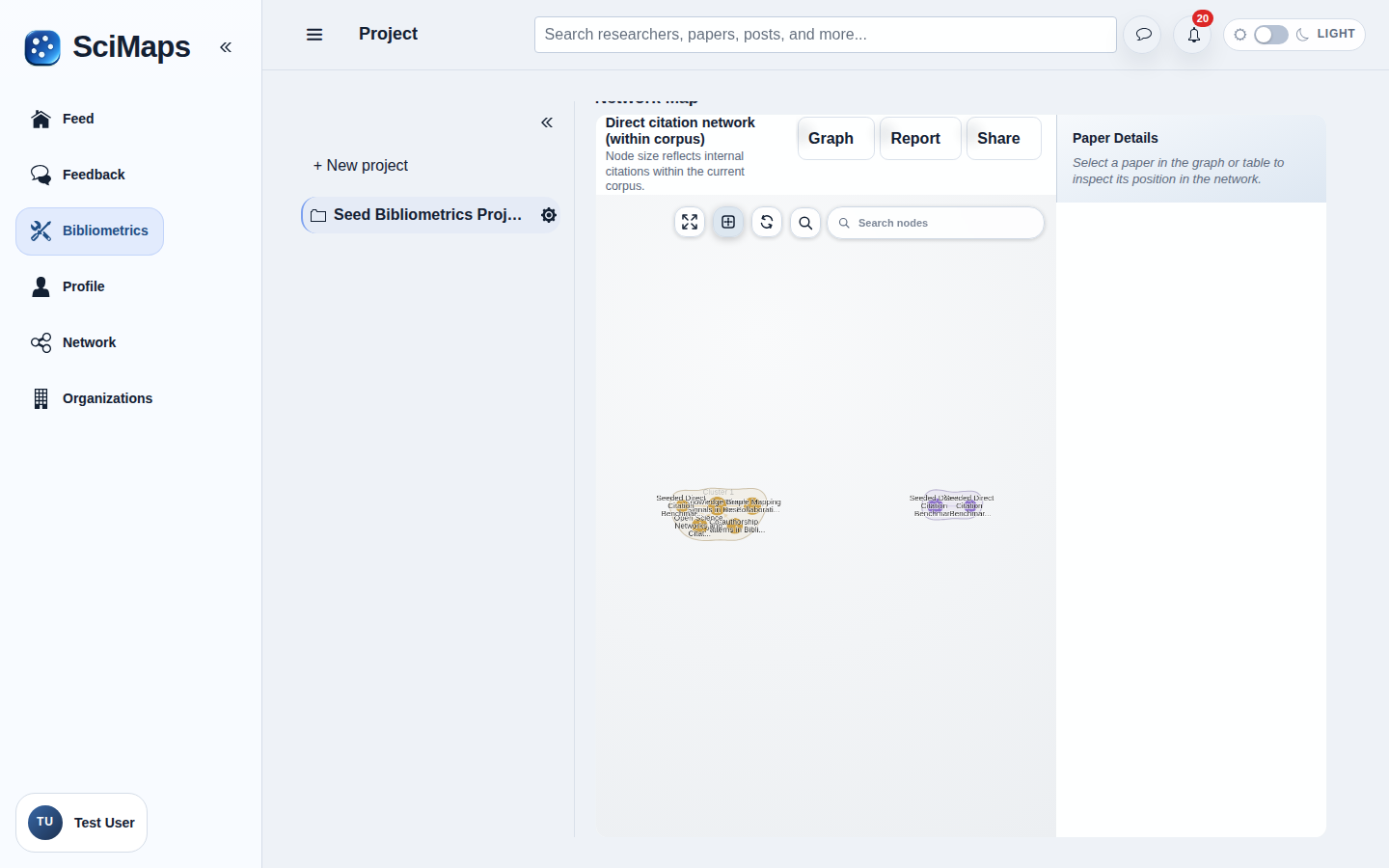
A citation network showing available links between works in the analyzed scope.
What you need
Selected project sources with available citation links.
How to use it
- Select sources in a project.
- Choose Direct Citation in Bibliometrics.
- Inspect citation direction and paper context; open AI Insights for optional AI-assisted interpretation.
Illustrative example
Suppose Paper P cites Paper Q and both are in the analyzed scope. Papers are nodes and a directed link points from the citing paper P to the cited paper Q. This records an available citation, not endorsement or similarity. Provider coverage, the selected collection and thresholds can omit other works or links.
Interpretation and limitations
The network depends on provider coverage and the selected scope. A citation is not an endorsement, and absent links may reflect missing data. Results describe the selected sources and available metadata; they do not represent all research in a field.
Related tools
Related guides
Create an accountCreate your account, then complete verification to start using SciMaps. Already have access? Sign in to SciMaps.